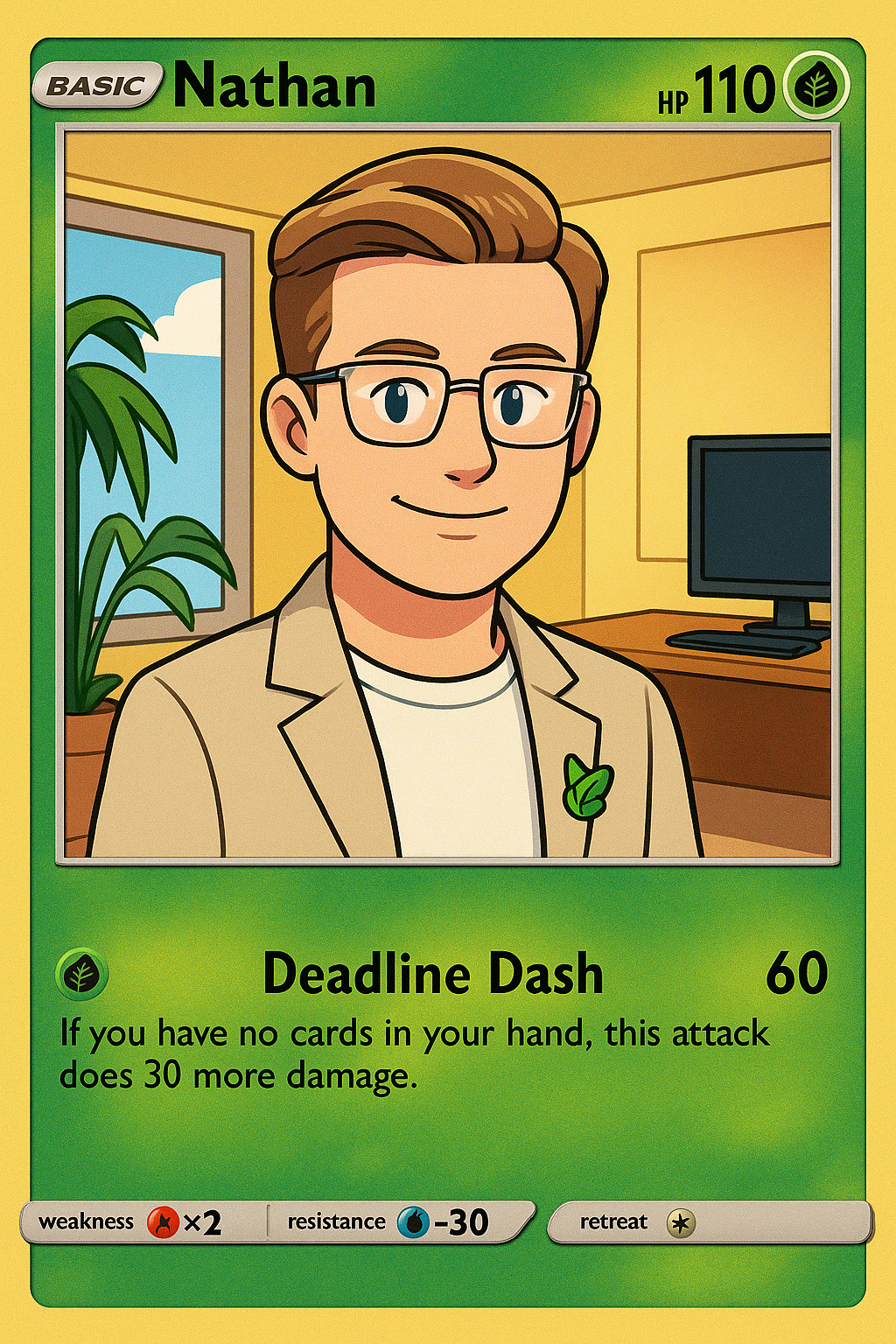

Design your placeholders
Open the designer and start a sheet
Clean cuts make placeholders blend into a binder. Here’s a reliable process using our generator’s crop marks, a straightedge and a rotary trimmer.
Print settings that matter
Print at 100% scale on quality 160–220gsm paper. Disable any ‘fit to page’ options. Our PDF includes subtle crop marks and margins so you can align consistently.
Tools
- Rotary trimmer or sharp craft knife
- Metal ruler with non‑slip backing
- Self‑healing mat
- Good light so you can see marks clearly
Cut order
Score lightly along crop marks first to prevent tearing, then make firm passes. Cut in one axis across the whole sheet, rotate, and cut the other axis. Keep offcuts tidy to avoid mis‑cuts.
Consistency
Cut batches together to keep muscle memory and alignment consistent. Replace blades often dull blades cause fuzzy edges.
🎴 Premium Placeholder Cards Coming Soon!
Get early access to exclusive designs, premium materials, and special features. Be the first to know when we launch.